
Typeless Free Word Limit Ran Out? 3 Ways to Keep Dictating This Week

When the Typeless free plan runs out of words, you have three ways to keep going without waiting for next week: upgrade to Typeless Pro, switch to YOURIO, whose on-device voice typing and Magic · Standard are free with no word limit, or use YOURIO's cloud AI cleanup with 2,000 free words a week, YOURIO Pro or your own API key. If you only need to finish what you're writing today, the second option costs nothing and takes about three minutes to set up.
Wednesday afternoon, report half done, words gone
It usually happens at the worst moment. You've been dictating replies all week, and now you're halfway through the report that's due tomorrow. You start talking and get a notice instead: you've used this week's free words.
That's become more common since September 2026, when Typeless cut its free plan from 8,000 to 2,000 words a week. Two thousand words is a handful of messages a day plus one longer email. A single report section can use up what's left.
Typeless's own pages describe the free plan as "limited words each week". They don't say which day the allowance comes back, so don't plan your deadline around it. Here are three ways to keep working now.
Way 1: Upgrade to Typeless Pro
If Typeless suits you and you dictate every day, upgrading is the simplest fix. Pro has no word limit and costs US$30 a month billed monthly, or US$12 a month billed yearly (US$144 paid up front), as of October 2026. Nothing about your setup changes: same app, same dictionary, same desktop workflow.
It's worth doing the math first, though. If you hit the limit once a month, US$30 is a lot for one afternoon. If you hit it every week, the yearly plan is the better deal, as long as you're sure you'll still be using it next year. For a side-by-side look at what each app costs over a year, see AI dictation pricing in 2026.
Way 2: Finish today with YOURIO's free on-device dictation
YOURIO is a voice keyboard for your phone. Speech is recognized by your phone's own on-device recognizer, so it doesn't cost us anything to run, and there's no reason to ration it. Voice typing, real-time translation and Magic · Standard are free, need no account, and have no word limit.
Magic · Standard is the part that makes dictation usable for a report. It removes filler words, keeps only your final correction and adds punctuation, all on the phone and offline:
- You say: "um so the launch review is on Thursday, no wait, Friday, and uh the budget section still needs numbers"
- YOURIO types: "The launch review is on Friday, and the budget section still needs numbers."
The YOURIO keyboard works in any app where you can type: your notes app, email, a shared document on your phone. If the report is on your computer, install YOURIO Receiver on your Mac or Windows PC, pair it with your phone by QR code, hold the talk key (Right ⌥ on Mac, Right Alt on Windows) and speak into the phone. The text appears at the cursor. Only the final text travels, end-to-end encrypted. Here's how the phone-as-microphone setup works.
Your audio never leaves your phone and is never saved. That also means nothing is counted.
Way 3: When you want AI cleanup, not just clean dictation
Magic · Standard handles fillers, corrections and punctuation. It doesn't reorder scattered thoughts or turn a rambling paragraph into bullet points. That's Magic · Enhanced, which uses a cloud AI. YOURIO gives you three ways to run it, and only text is sent, never audio:
- YOURIO AI, free: sign in and get 2,000 words a week for Magic · Enhanced, Edit and Ask Memory. When it runs out, Magic falls back to Standard cleanup on your phone and tells you once, so you can keep dictating.
- YOURIO Pro: US$2.99 a month for 1,000,000 words of YOURIO AI a month. Monthly only, cancel anytime in the App Store or Google Play. The price the store shows in your currency is the real one.
- Your own API key: connect OpenAI, Claude, Gemini, OpenRouter or another provider, and every AI feature works with no limit from us. Your provider bills you directly. More in Use your own API key for AI dictation.
A practical pattern: dictate the whole draft with Magic · Standard, then use Magic · Enhanced or Edit only for the paragraphs that need real restructuring. The free 2,000 words go a lot further that way.
Honest limits
Switching isn't the right answer for everyone. Before you do, check these:
- You want to dictate on your computer with the computer's microphone. YOURIO on Mac and Windows uses your phone as the mic, so the phone has to be nearby. Typeless has native desktop apps.
- Your language may not be recognized on your phone. YOURIO can recognize the languages your phone's on-device recognizer supports. Download your language in the Speak tab first; if it isn't listed, YOURIO can't help with that language.
- Standard cleanup is rule-based. It won't fix a word the recognizer misheard or rewrite your structure. For that you need Magic · Enhanced, which has a free weekly limit unless you use Pro or your own key.
- Your Typeless dictionary doesn't come with you. There's no import. You can add words by hand, and YOURIO learns a correction you make twice. See Switching from Typeless to YOURIO.
Get back to your report in five steps
- Install YOURIO on your phone (download links are at the end of this article).
- Open the Speak tab and download the language you dictate in.
- Turn on the YOURIO keyboard in your phone's settings, or, for a computer, install YOURIO Receiver and pair it by QR code.
- Dictate with Magic · Standard. No account needed.
- Optional: sign in for 2,000 free words a week of Magic · Enhanced, or add your own API key under AI › AI Profiles.
Still deciding between apps? The Typeless alternative overview compares the two side by side.
Frequently asked questions
When does the Typeless free word limit reset?
Typeless describes its free plan as limited words each week but, as of October 2026, its pricing and help pages don't say which day the allowance resets. If you can't wait, you can upgrade to Typeless Pro or use another tool, such as YOURIO's free on-device dictation, until your words come back.
Is there an AI voice keyboard with no word limit for free?
YOURIO's voice typing, real-time translation and Magic · Standard (removes filler words, keeps your final correction, adds punctuation) are free with no word limit and no account, because speech is recognized on your phone. Cloud AI cleanup (Magic · Enhanced) has 2,000 free words a week after you sign in, or no limit from YOURIO with your own API key.
What happens when YOURIO's free AI words run out?
Magic keeps working with Standard cleanup on your phone, and YOURIO tells you once. Edit and Ask Memory with YOURIO AI pause until the quota resets on Monday at 00:00 your local time. You can upgrade to YOURIO Pro (US$2.99 a month) or add your own API key at any time.
Can I use YOURIO to finish a report on my computer?
Yes. Install YOURIO Receiver on a Mac (macOS 13 or later, Apple silicon) or Windows 10 (1809) or later, pair it with your phone by QR code, hold the talk key and speak into your phone. Recognition and Magic run on the phone, and only the final text is sent to the computer, end-to-end encrypted.
Sources: Typeless pricing, Typeless billing help (checked October 2026).
Keep reading

Typeless Alternative: Voice Typing at 1/10 the Price, Audio Stays on Your Phone
Typeless Pro is $30 a month. YOURIO recognizes speech on your phone, keeps voice typing free with no word limit, and AI cleanup costs US$2.99 a month.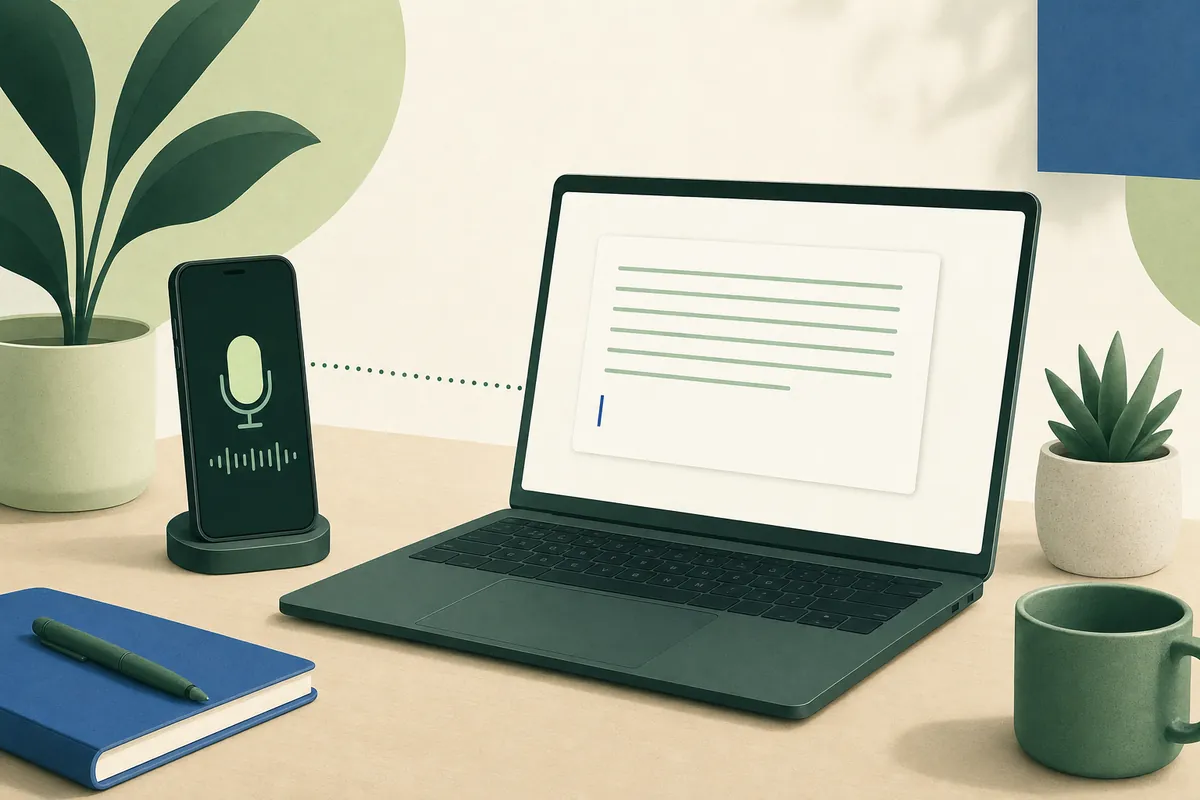
Use Your Phone as a Microphone for Mac and Windows Dictation
No microphone on your computer? YOURIO Receiver turns your phone into one: hold a key, speak into the phone, and clean text appears at your Mac or PC cursor.